 emulsion
01 / SIX STAGES
From film to a first look.
Each film goes through a six-stage development process in Emulsion Lab. The final stage shows the first look alongside the original, including a colour-checker comparison.
See the film look in the viewfinder before you take the photograph.
Your look, from the first frame to the final edit.
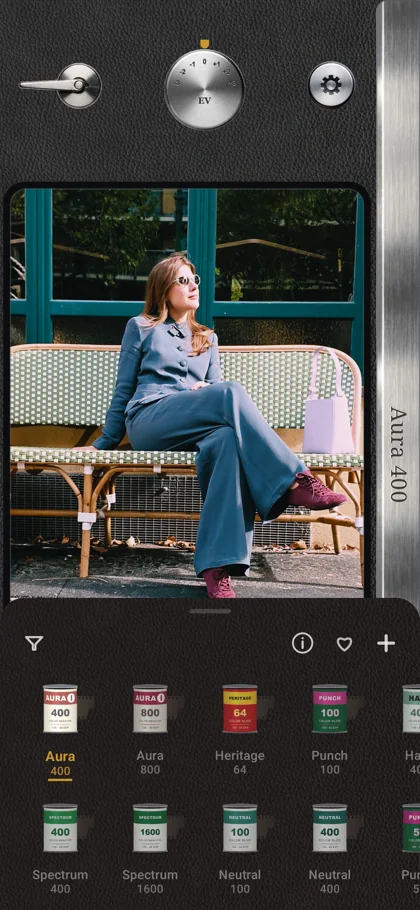
Choose a film in the live camera.
Slide the film shelf, then tap a film. Or use the arrows above.
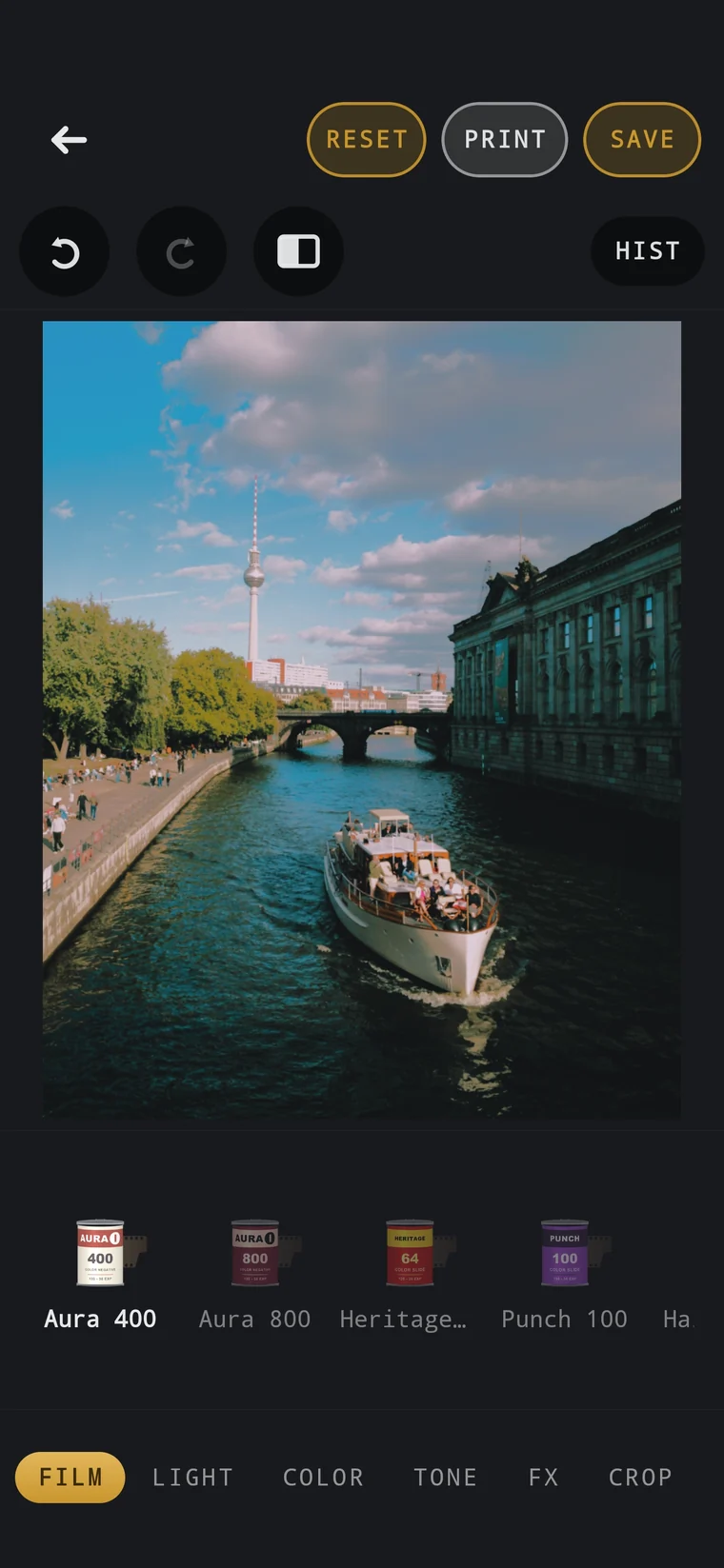
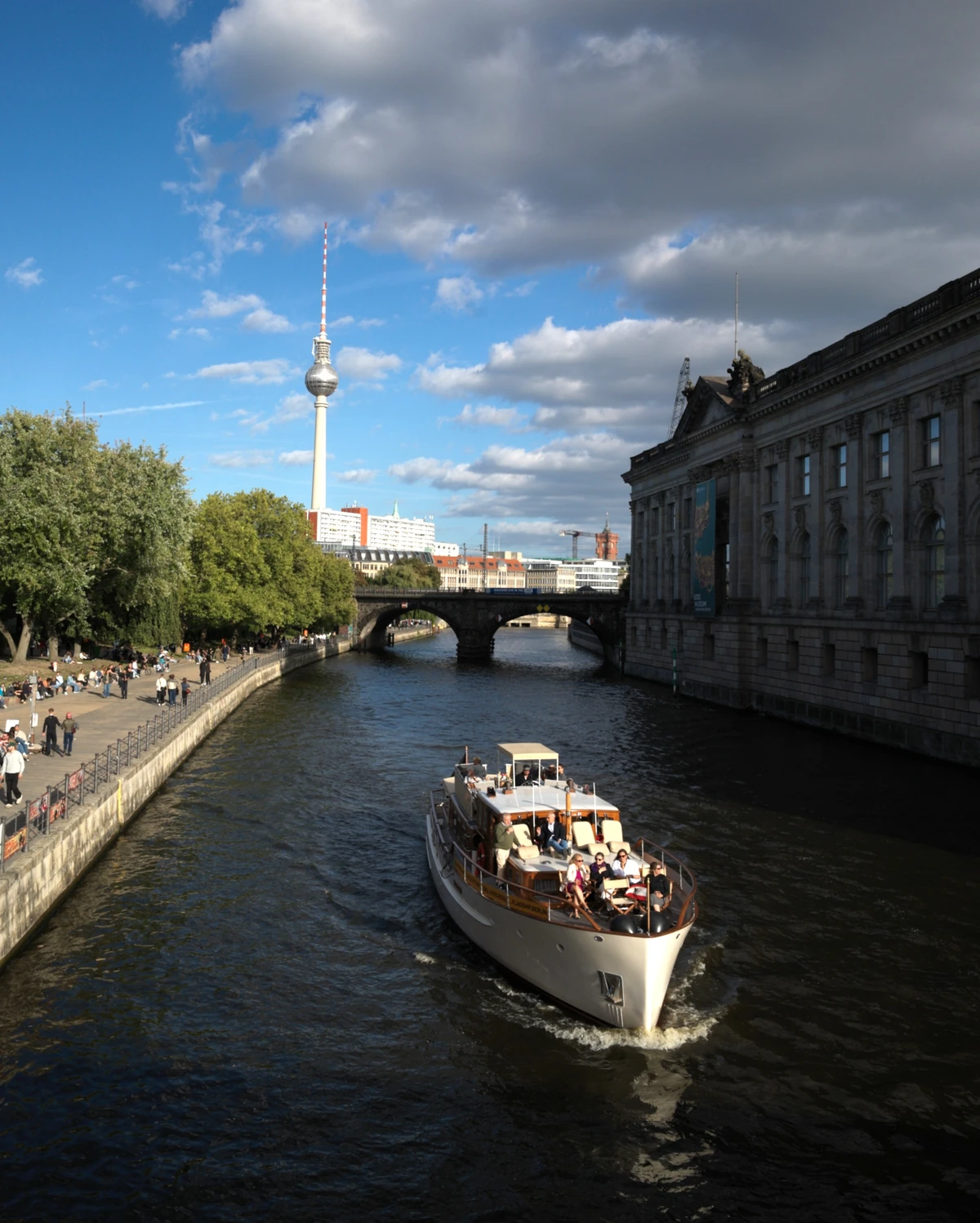
Slide to explore. Tap a film to apply it.
We shoot a lot of film and digital photographs. That experience guides every look we make.
A first look is only the beginning. We spend many hours comparing colour, refining the result and looking again—with the photograph always at the centre.
Each film goes through a six-stage development process in Emulsion Lab. The final stage shows the first look alongside the original, including a colour-checker comparison.
Colour is reviewed over many hours by award-winning photographer Dovlet Annayev. Side-by-side comparisons keep a human eye at the heart of every refinement.
A glimpse of our colour-calibration work: comparing the result, refining the balance and checking the photograph again.
We organise our growing collection of film looks in a dedicated library, keeping the work together as we develop and refine each look.
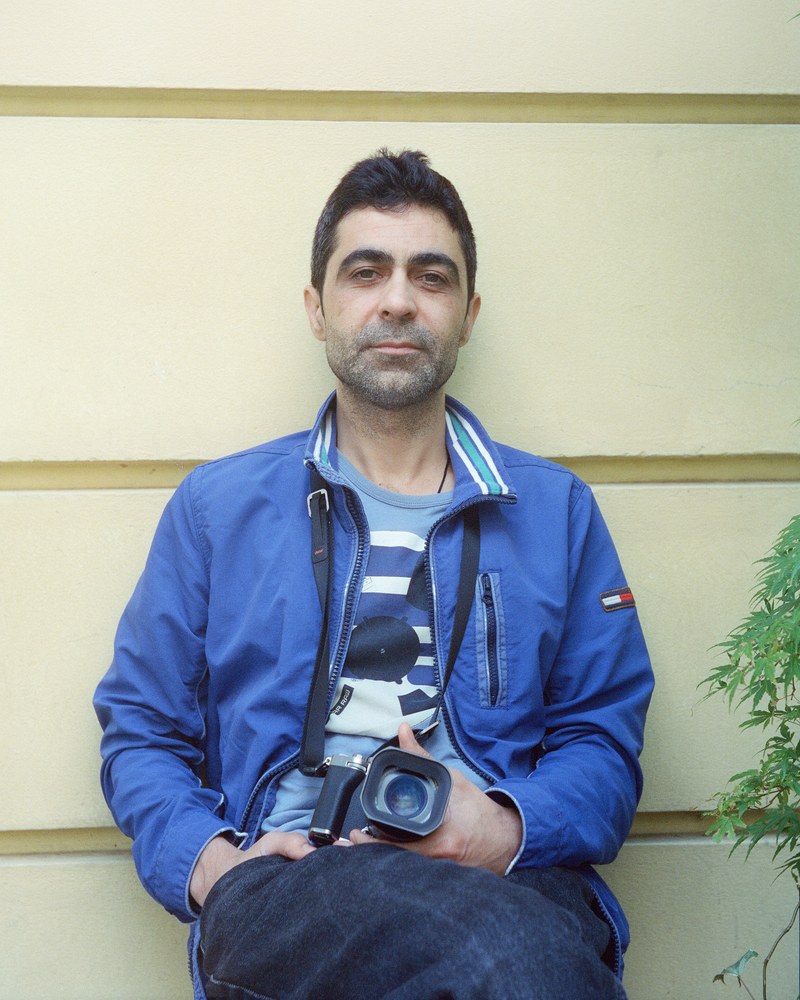
Photographer’s eye.
Engineer’s curiosity.
An award-winning photographer with 20 years of software engineering experience, Dovlet brings together two long-standing interests: making photographs and understanding images.
His university thesis and research focused on image processing. Emulsion Cam brings that background into a camera and studio shaped by the way he shoots.
Selected recognition: reFocus One Shot 2022 — Honorable Mention; The Independent Photographer 2022 — Street Photography finalist.
Dovlet’s photography ↗Add up to 12 custom film looks using supported .cube files. Give each one a name and colour, then choose it from the film picker alongside the built-in collection.
Adjust halation, vignette, grain, white-balance temperature and tint, contrast, highlights, shadows and more. Your adjustments are remembered per film, including custom films. Use shared settings when you want the same adjustments across the collection.
Import a photograph, choose a film, then refine light, colour, tone and effects. Crop, compare, save and share from the same editor.
RAW support depends on the file and Android device. Some files open through their embedded JPEG preview when full RAW decoding is unavailable.
Turn on Original in camera settings to keep an unfiltered copy alongside your film-look capture. It stays inside the app for later edits, uses additional storage and is removed if you uninstall.
Enable a composition grid, choose an aspect ratio, control the shutter sound and flash, and change the camera skin. Lens labels can show full-frame-equivalent focal lengths instead of zoom ratios; the lens itself stays the same.
Emulsion Cam processes photographs locally and needs no account or internet connection. You choose when to share an image through another app.
Emulsion Cam ("the app") is a camera app that applies film-look processing entirely on your device. Your privacy matters — and the app is built so there is essentially nothing to collect.
None. The app has no internet permission and makes no network connections. We do not collect, transmit, or share any personal data. There are no accounts, no analytics, no advertising, and no third-party tracking SDKs.
Everything you capture is saved to your device's storage (for example
DCIM/Emulsion Cam) and stays on your device. The app never
uploads them. When you tap Share or Print, your device's
standard share sheet hands the file to whatever app you choose — that action, and that
app's policies, are under your control.
This site is a set of static pages. It sets no cookies, runs no analytics, and embeds no third-party scripts or fonts. Our host records standard server logs (such as IP address and requested page) for security and reliability, as any web server does.
The app does not collect data from anyone, including children under 13.
If this policy changes, the updated version will be posted at this URL.
Questions? Email emulsionlab.dev@gmail.com.